MarketSync / DealerOS

A connected operating system for the entire dealership.

Inventory, customers, sales, desking, appraisals, documents, service, parts and reporting should not require a separate context switch for every decision. DealerOS brings the everyday dealership workflow closer to one shared record.

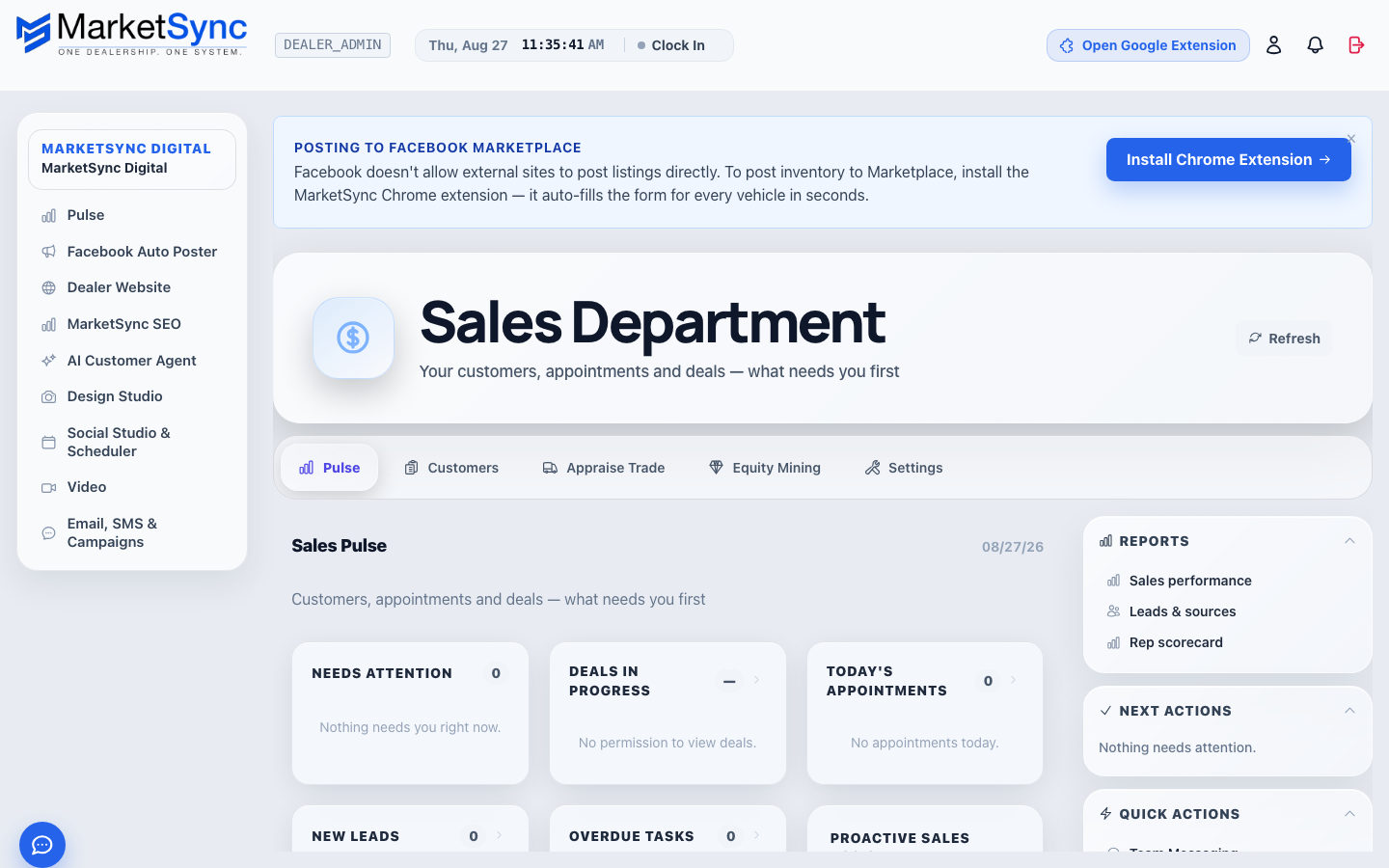
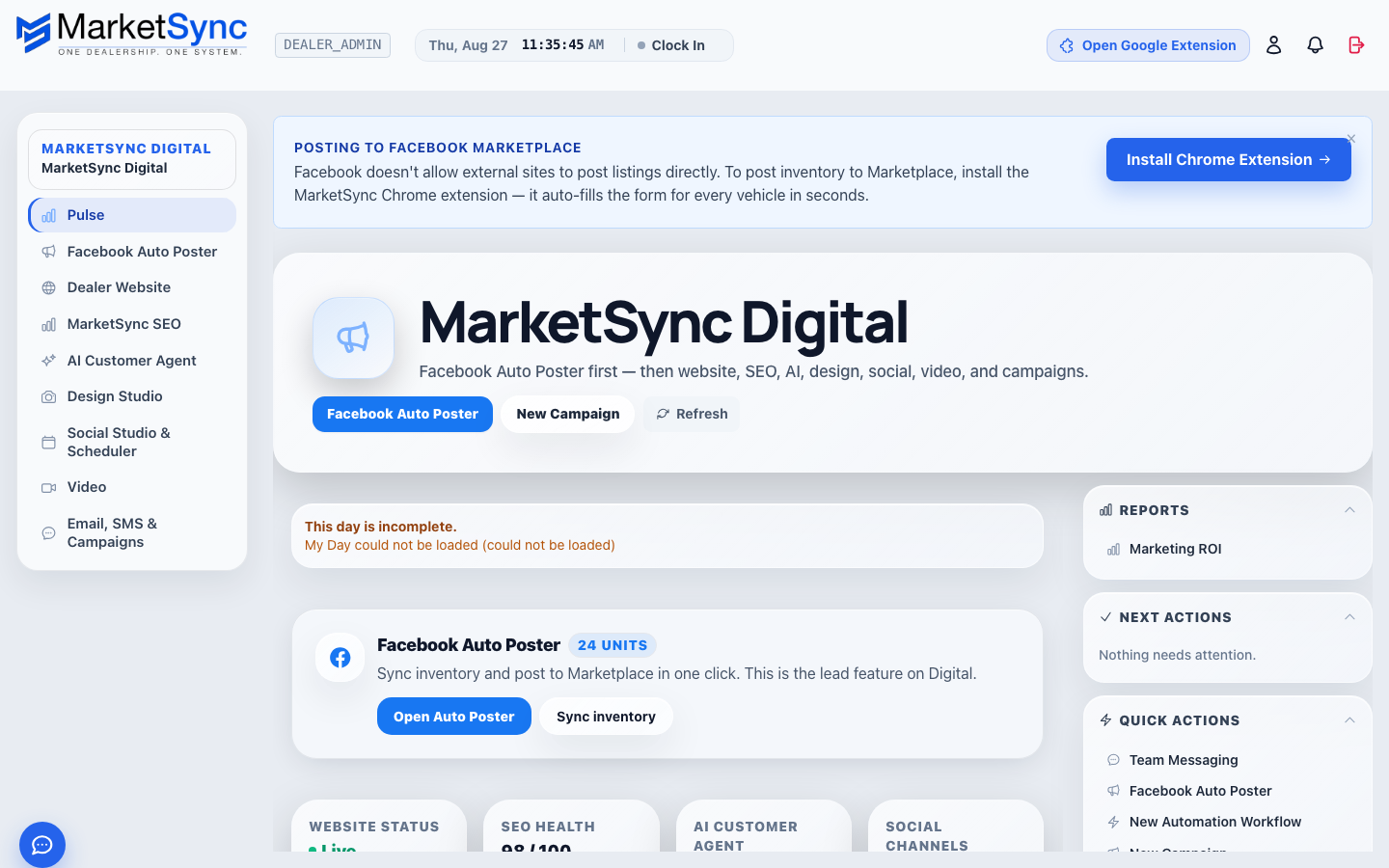
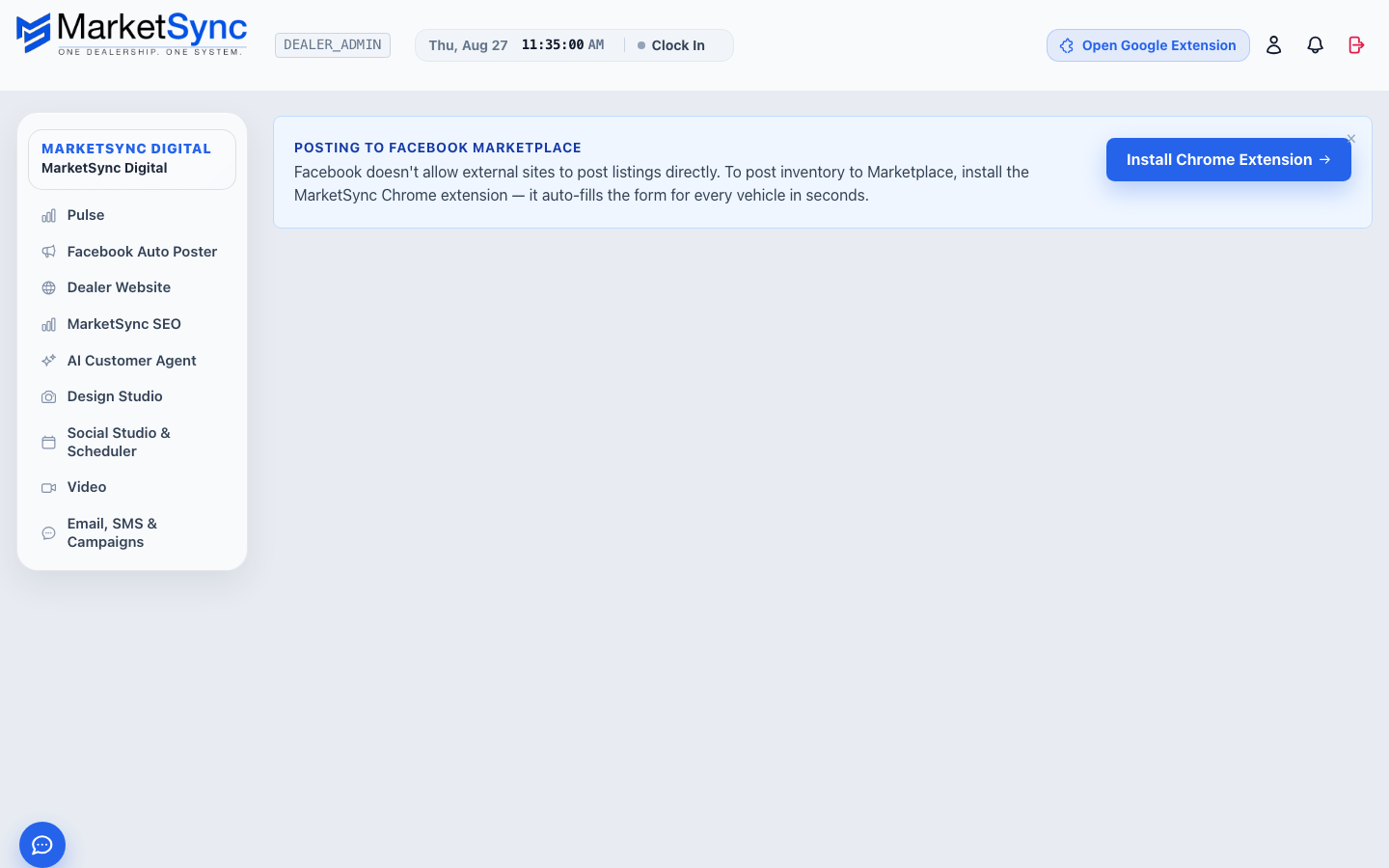
Actual MarketSync DealerOS home workspace
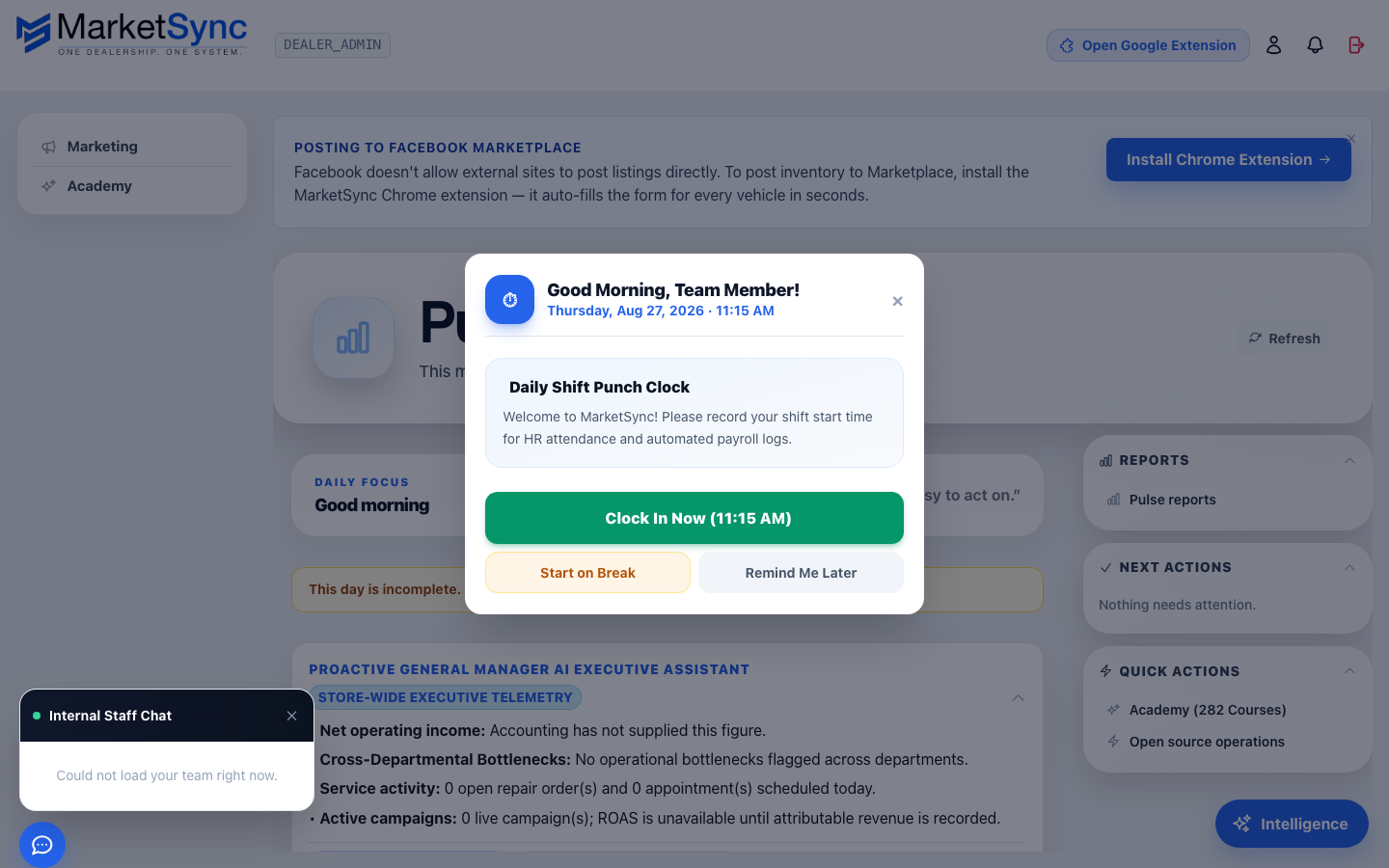
Actual DealerOS staging screenshot

Less setup. Less repeated entry.

Move into MarketSync without starting from zero.

Connect inventory and bring supported website content or CRM records into your dealership workspace. Mapping, permissions, source-provider exports and review remain important: importing a file does not mean customer history, consent or duplicates can be safely accepted without validation.

Website import into a draft

Use the supported Chrome extension and site-copy workflow to read your existing dealership pages and propose an editable website draft. Review the pages, inventory connections, media and redirects before publishing.

Website integration →
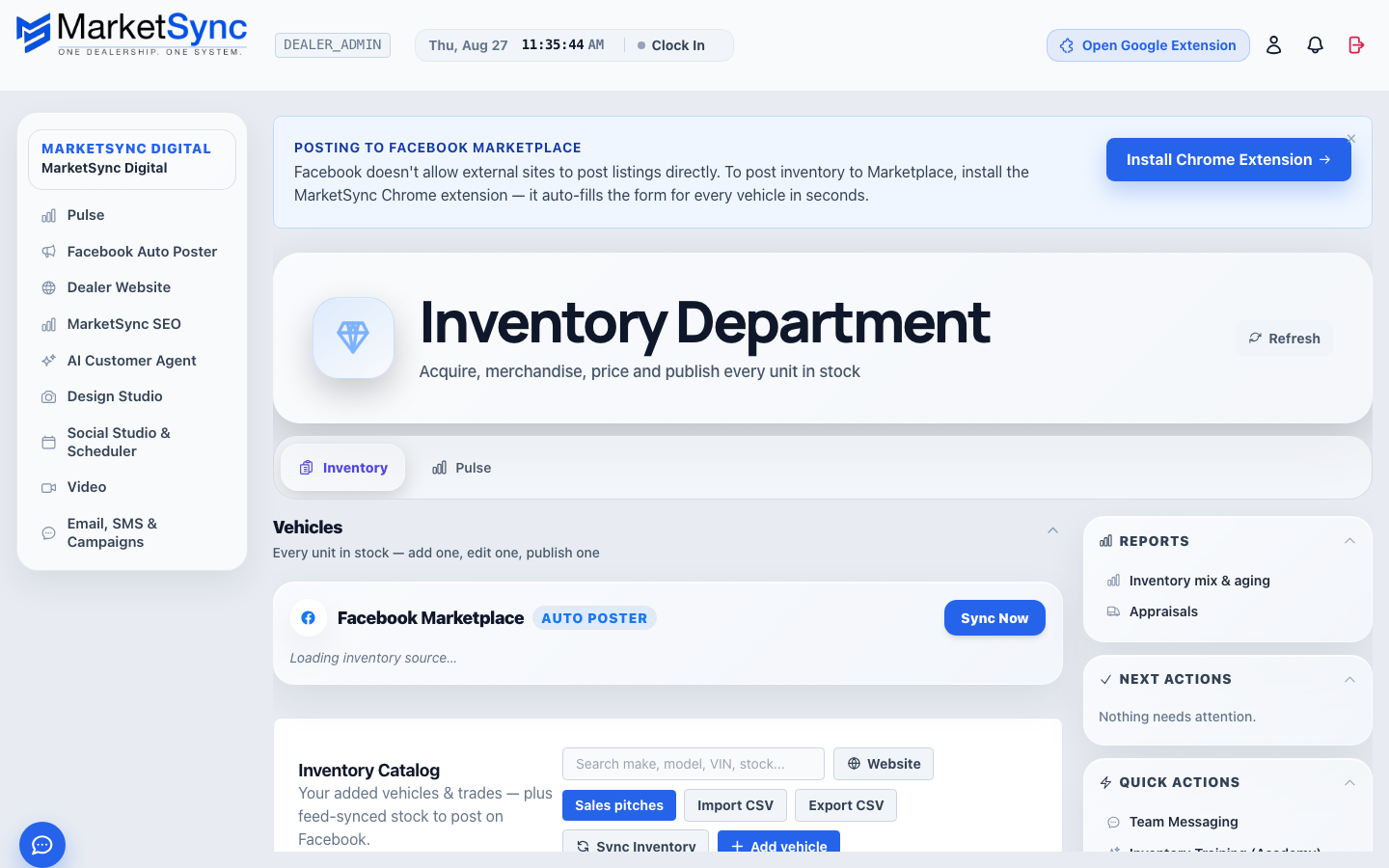
CRM import and export

Bring compatible customer and lead data into a mapped CRM workflow, review duplicates and consent status, and use supported export options to keep control of your records. Available formats depend on the source and your permissions.

CRM import and export →

Inventory updates

Sync supported stock information and keep vehicle descriptions, pricing and imagery aligned across dealership workflows. Validate provider feeds, statuses and exceptions rather than assuming all systems update instantly.

Inventory sync →

Operate as one team

What your departments can do.

Each capability has a dedicated feature page. The exact controls available depend on your DealerOS tier, access role, data providers and connected integrations.

Sales + fixed operations

Support the entire customer lifecycle.

DealerOS is designed to extend beyond marketing and selling a vehicle. Dealer operations include customer handoff, financing and documents, service and parts workflows, staff access, reporting and management oversight.

Connected activity should make it easier to see what happens next without granting everyone access to everything. Sensitive customer, accounting and employee information remains subject to roles, configuration and applicable privacy obligations.

  • Customer and vehicle history in context
  • Desking and document workflows
  • Service and parts processes
  • Permissions for departments and dealer groups
  • Cross-department reporting and follow-up
See the operational guide →
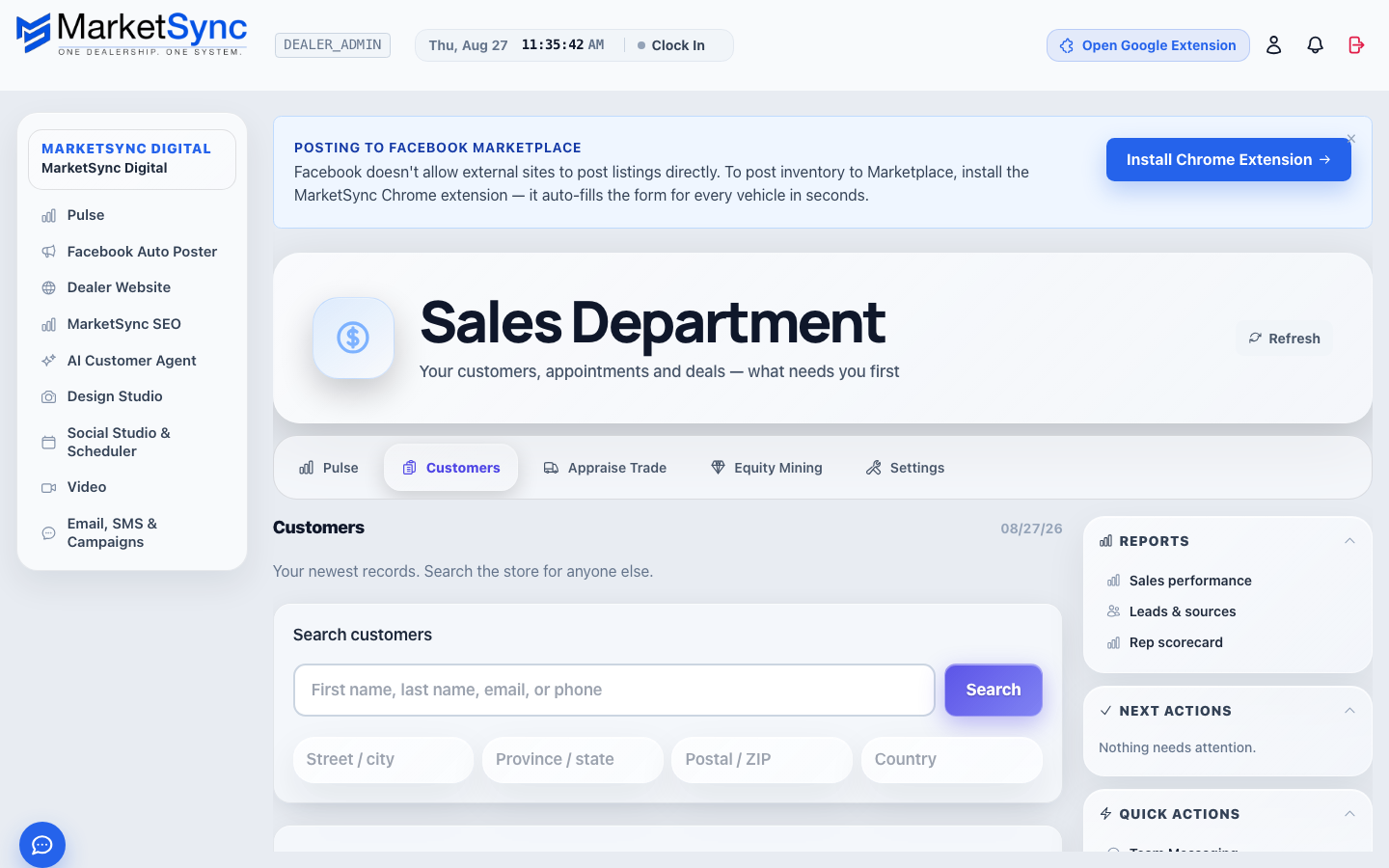
Actual MarketSync sales workspace
Connected customer workflow

A practical implementation

One dealership at a time, with a sensible migration path.

Review your current tools

Map inventory feeds, CRM exports, dealer websites, user roles, critical integrations and reporting requirements.

Bring data across carefully

Import compatible files and connected records into staging or drafts, review mappings, consent and duplicate resolution.

Connect and improve

Run workflows with your team, validate data quality and expand features by department when ready.